




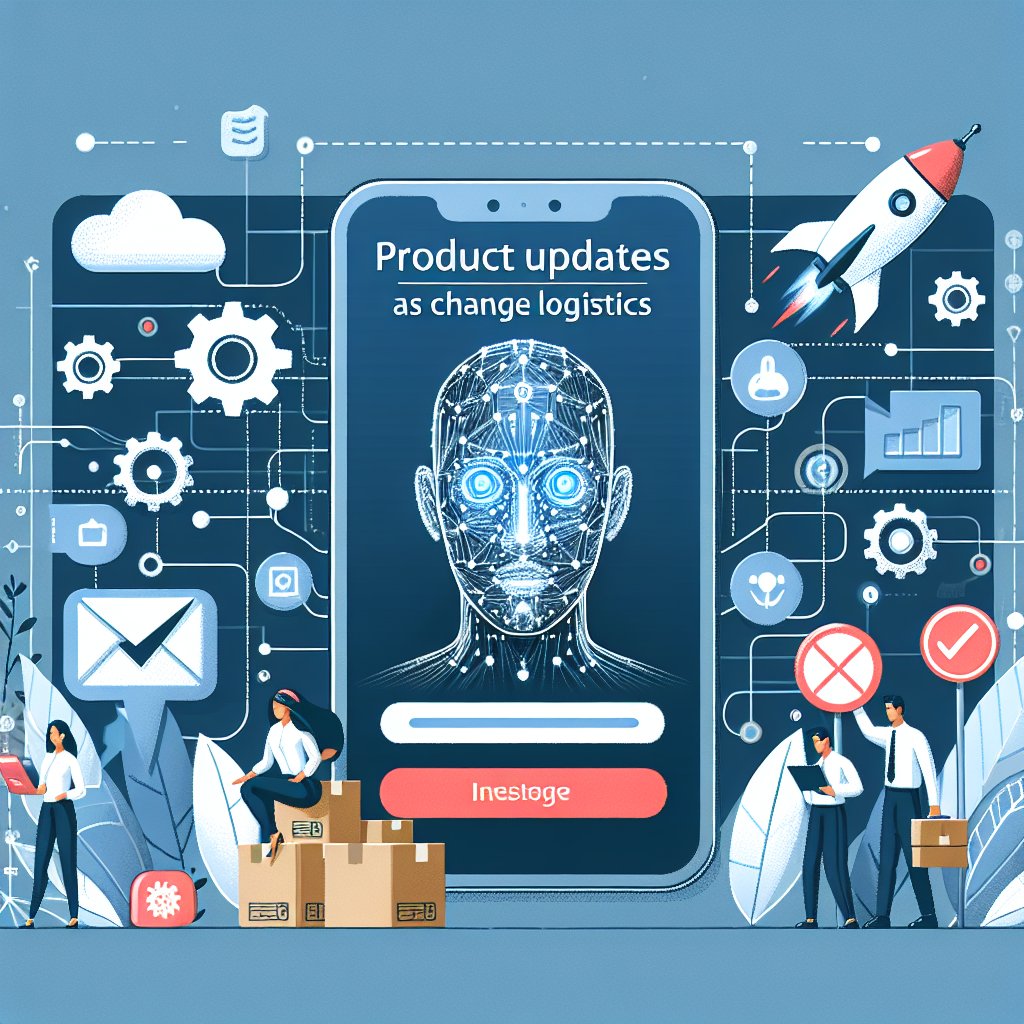
Product updates are not just a list of changes, they are a coordination problem across users, teams, channels, and expectations. This guide shows how to explain what changed and why, while driving adoption and reducing confusion with practical, repeatable tactics.
Most teams treat product updates like a publishing task: write notes, push to a changelog, post on social, move on. Users experience something else entirely: their workflows are interrupted, they have to relearn small habits, and they wonder whether the change helps them or creates risk. That gap is why the same release can feel “exciting” internally and “annoying” externally.
A better mindset is to treat product updates as change logistics. Logistics is about moving valuable things to the right place, at the right time, with the right instructions, while minimizing loss. In product terms, the “valuable thing” is new capability and improved reliability, and the “loss” is confusion, broken routines, and support tickets. When you manage updates as logistics, announcements become clearer, adoption rises, and trust compounds.
Users are not reading release notes to admire your engineering. They are scanning for two answers: what changed, and why should I care. If your update message does not deliver those answers in the first few lines, most people will bounce.
Use a consistent structure that fits in any channel:
Example snippet you can reuse: “We updated X so you can do Y faster. This change reduces Z (time, errors, back-and-forth). You can start using it by…”
“New filters added” is a feature statement. “Find the right lead in 10 seconds instead of scrolling” is a workflow statement. People adopt workflows, not bullet points.
Before you write the announcement, ask: which daily job does this change improve? Then name that job explicitly. For a messaging-first business, the jobs tend to be predictable:
When your updates are framed around these jobs, users can instantly categorize the impact. This is also where solutions like Staffono.ai fit naturally: if your product updates affect messaging, booking, or lead handling, your announcement should speak to the end-to-end workflow, not just the UI change. Staffono’s AI employees operate inside these workflows, so a change can be explained in terms of faster replies, fewer missed leads, and smoother booking experiences.
Teams often over-explain: long background, internal debates, roadmap context. Users do not need the meeting notes. They need the decision and the tradeoff.
Use one of these “why” patterns:
Then add one sentence about the tradeoff: “Some settings moved to a new location, but the workflow is now consistent across pages.” This builds credibility because it acknowledges user effort.
Not every change deserves the same broadcast. Over-communication creates fatigue, and under-communication creates surprise. Classify updates into three impact tiers and choose channels accordingly.
Bug fixes, tiny UI tweaks, performance improvements. Publish in a changelog and include a weekly digest.
New capability or notable behavior change. Announce in-app, email, and a help center article with a short “how to use it” section.
Pricing changes, permission changes, deprecations, defaults, or anything that alters routine. Use proactive messaging, timelines, reminders, and guided onboarding.
If you run conversations across multiple channels, segmentation becomes even more important. For example, a change to booking confirmation messages affects WhatsApp and Instagram flows differently than web chat. Platforms like Staffono.ai help here because you can coordinate consistent messaging across channels, and use automation to deliver the right update notice to the right customer segment at the right time.
The easiest way to improve product updates is to stop treating them as publishing and start treating them as experiments. Choose one metric that indicates the update is working, and include it in your internal release checklist.
Examples:
Then connect the metric to the announcement. If the goal is adoption, the update message should include the smallest next step. If the goal is fewer errors, the message should include a clear warning and an example of the correct behavior.
“Faster inbox loading. We optimized conversation loading so your team can open chats quicker during peak hours. No action needed, it is already live.”
“Saved replies for common questions. You can now create reusable replies for FAQs to respond consistently across your team. Turn it on in Settings, then add your top 10 questions.”
“New default for notifications. Starting next Monday, notification preferences will default to ‘Important only’ to reduce noise. If you need all alerts, update your preferences before Friday. We made this change after seeing high mute rates and missed critical alerts.”
These work because they state what, why, and next step. They also anticipate the user’s question: “Do I need to do anything?”
A single release date is not a rollout. A rollout is a sequence of messages and safeguards. For medium and high impact changes, create a timeline:
Businesses that sell through messaging can automate parts of this timeline. With Staffono.ai, you can use AI employees to send segmented update notifications, answer “what changed?” questions in real time, and guide customers through new booking or inquiry flows 24/7. That reduces the support burden right when users need help most.
Abstract explanations fail when users are under time pressure. Include a short before/after and a scenario.
This makes the update feel real and reduces misinterpretation.
Trust is built when users feel you are listening and that changes are safe. Three practices help:
If you have high message volume, support readiness is a scaling problem. This is another natural fit for Staffono: AI employees can handle repetitive questions about changes, route edge cases to humans, and keep customer conversations moving without delays.
The point of product updates is not to prove you shipped. It is to help users succeed through change with minimal friction. When you treat updates as change logistics, you align messaging, timing, segmentation, and measurement, so improvements translate into adoption and revenue.
If your business depends on conversations for sales, bookings, or support, consider building your update workflow into the same messaging channels customers already use. Staffono.ai can help you deliver consistent announcements across WhatsApp, Instagram, Telegram, Facebook Messenger, and web chat, and its 24/7 AI employees can explain changes, guide users through new flows, and capture feedback while your team focuses on the next release.






