




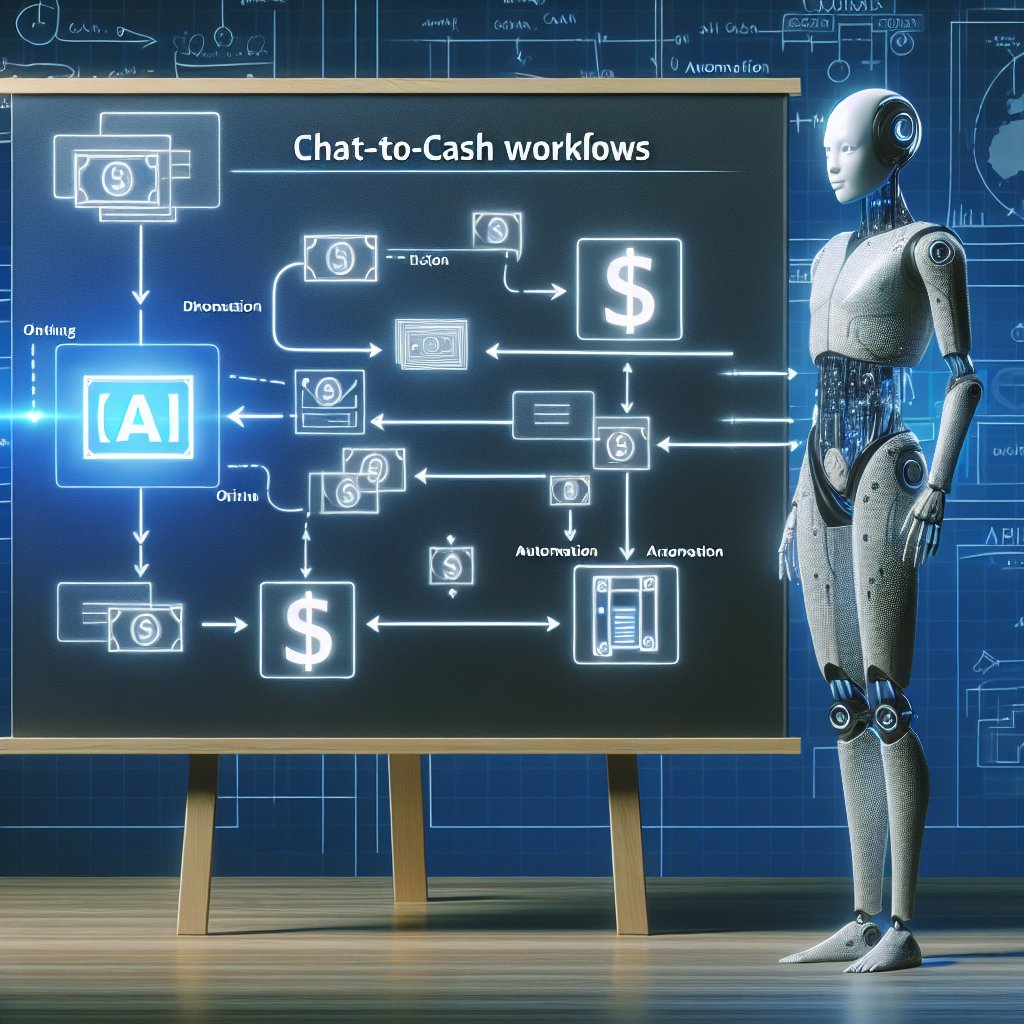
Most automation plans fail because they start with tools instead of daily reality. This guide maps real, repeatable business situations to step-by-step workflows you can implement across messaging channels, from first inquiry to retention.
Automation becomes useful when it mirrors what already happens in your business: the same questions, the same delays, the same follow-ups, and the same handoffs. If your team lives inside WhatsApp, Instagram DMs, Telegram, Facebook Messenger, or web chat, then your highest ROI “use cases” are usually hiding in plain sight inside your conversation history.
This article takes a day-in-the-life approach. Instead of talking about automation in the abstract, you will see real scenarios and the exact workflows you can build step by step. Each blueprint is designed to be implemented without rebuilding your entire tech stack. And if you want these flows to run 24/7 across multiple channels with consistent quality, platforms like Staffono.ai are built specifically for messaging-first operations, with AI employees that handle communication, bookings, and sales while your team focuses on high-value work.
Pick use cases where three conditions are true:
To prepare, export a week of chat logs and highlight repeating intents. Then decide what “done” means for each intent. That outcome becomes the end of your workflow.
Scenario: People message “How much?” or “Do you have availability?” and your team loses time collecting basics. Leads go cold while waiting for a reply.
A home services company receives 40 WhatsApp inquiries per day. The automation asks for zip code, service type, and preferred date. If the zip code is outside the service area, it responds with a partner referral. If it is in-area and the date is within 7 days, it offers immediate booking options. This reduces manual back-and-forth and keeps response time under 1 minute.
Staffono.ai fits naturally here because its AI employees can run qualification and matching across multiple channels at the same time, keeping the tone consistent and capturing structured data for your team.
Scenario: You book appointments, but people forget, show up unprepared, or reschedule last minute.
A beauty clinic automates confirmations and reminders in Instagram DMs and WhatsApp. Clients receive a checklist (arrive 10 minutes early, avoid caffeine, complete a short form). Deposits are collected via a payment link. No-shows drop because clients feel guided, not chased.
When this runs through STAFFONO.AI, the same flow can be deployed across channels and time zones, so you stop losing bookings outside business hours.
Scenario: Your prospects can explain what they need, but your team spends too long translating messages into quotes.
A custom furniture maker receives Telegram messages with room photos. The automation asks for wall length, finish preference, and delivery date, then generates three tiers: basic, standard, premium. The buyer can approve a tier and pay a deposit immediately, turning conversations into revenue faster.
Scenario: Customers buy, then get confused. Confusion becomes support tickets, churn, or refunds.
A SaaS company uses web chat and Messenger. After purchase, customers receive a 3-step setup path and a quick diagnostic. Many issues are solved before a human ever gets involved, and the support team receives better context when escalation is needed.
Staffono.ai is useful here because the AI employee can keep onboarding conversations moving even at night, using consistent checklists and capturing “stuck points” you can later fix in the product.
Scenario: Your inbox is full of repetitive questions, but customers still want human care.
An e-commerce brand gets daily “Where is my order?” messages. Automation asks for the order number, pulls shipment status, and provides a clear ETA. If delayed, it offers options: wait, refund, or replacement. Many tickets disappear, and the remaining ones are already organized.
Scenario: Leads disappear after a quote, or customers stop buying after the first purchase.
A training provider follows up with people who asked about corporate workshops. The automation offers two dates and a downloadable agenda. Responses are routed to the right rep, and the conversation starts at the decision point rather than restarting from scratch.
After a month, you should see faster first responses, fewer repeated questions, cleaner handoffs to sales and support, and more revenue captured outside business hours. The best sign is not “we automated everything,” but “our humans spend more time on the conversations that truly need them.”
If you want to deploy these blueprints across WhatsApp, Instagram, Telegram, Facebook Messenger, and web chat with one consistent brain, Staffono.ai can help you launch AI employees that qualify leads, schedule bookings, answer common questions, and keep follow-ups running 24/7. Start with one blueprint, measure the lift, then stack the next workflow once the first one is stable.






